01 · Your brief
Your next campaign
Describe the audience, offer and goal of the page. Your agent works with the context of your brand.


AI enablement for B2B SaaS and AI marketing teams
01 · Your brief
Describe the audience, offer and goal of the page. Your agent works with the context of your brand.
02 · Your system
New content and components take shape within your existing system. You review the drafts step by step.
03 · Your decision
Copy, layout and functionality are checked. Then the campaign goes live on your Webflow website.
Start with the tasks that keep getting pushed back. We connect Webflow with your knowledge, tools and a workflow that fits.
01 · Website updates
Add webinars, update product information and find outdated claims. AI prepares the changes for review, including affected pages and language versions.
02 · Pages & campaigns
Have AI develop copy, layouts and new Webflow pages. Existing components guide the work; missing components are added to match your design system.
03 · SEO & AEO
Review key pages for content gaps, metadata, internal links and structured data. The findings become prioritised improvements for search and AI answers.
04 · Testing & personalisation
Develop variants for campaigns, industries or target accounts. We set up testing and personalisation with Webflow Optimize and assess what the results tell us.
05 · Content & visuals
Use approved messaging and your visual style for page copy, ad creatives and blog covers. Translations use the same foundation and are reviewed before publication.
06 · Website monitoring
Connect website and marketing data to spot traffic losses, content gaps, and performance and accessibility issues. Your team gets concrete next steps.
About the relaunch, the collaboration and the result. Directly from our clients.
We make your existing knowledge usable for AI and connect the right tools. Individual prompts become a workflow your team can use again.
01 · Context
Positioning, target customers, verifiable claims and brand voice guide the work. Approved examples and a glossary keep new content consistent.
02 · Connections
We connect Webflow, Figma and the data sources you need. Your team starts tasks in Claude, Codex or a configured Slack workflow.
03 · Responsibility
We define what AI can prepare or change directly, where approval is needed, and when design or development support takes over.
Selected work
Selected projects for B2B SaaS and AI companies. From positioning and messaging to a website in Webflow.

From Wix to Webflow, with clear messaging for different buyers and a website that supports conversations with larger companies.
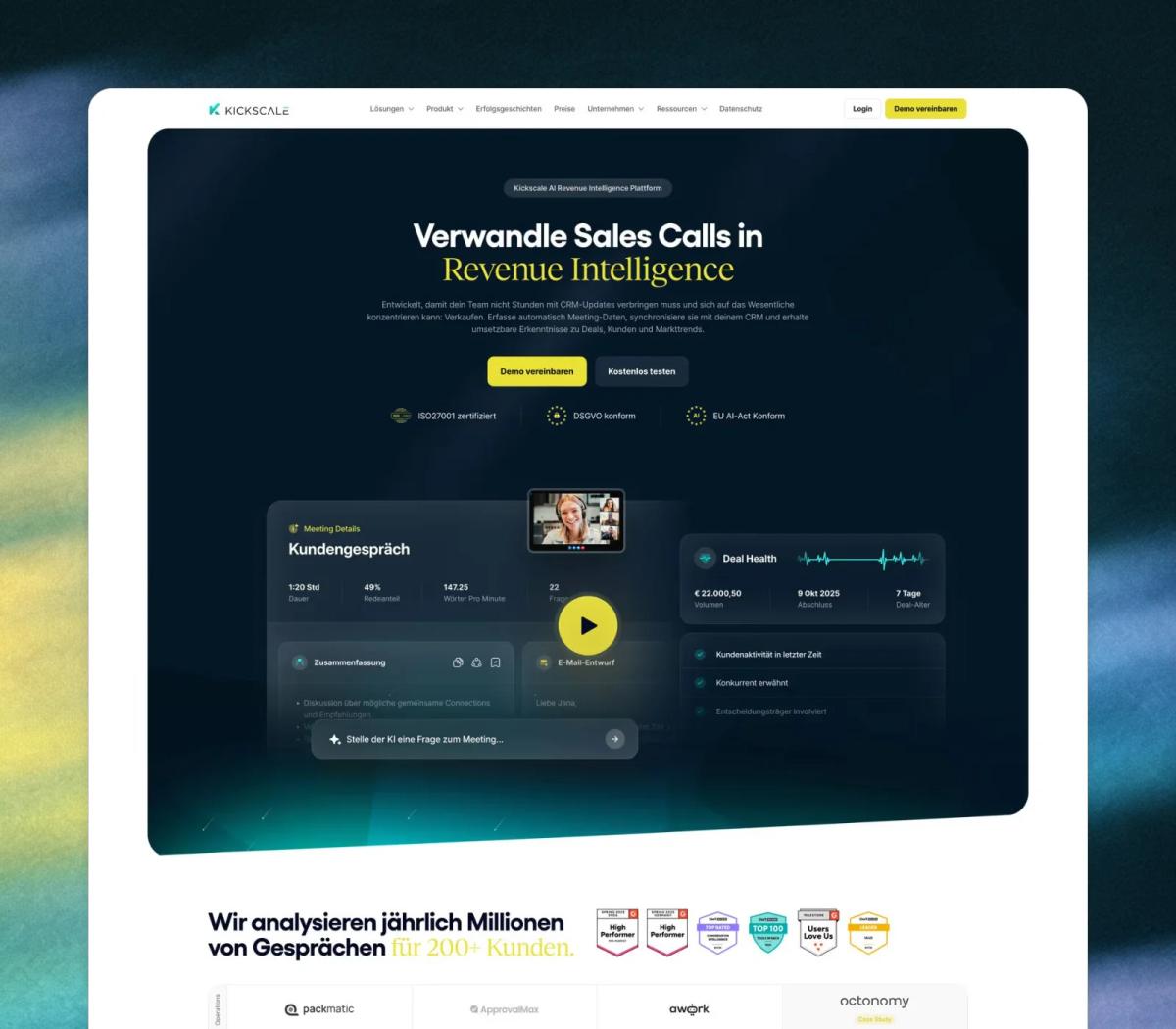
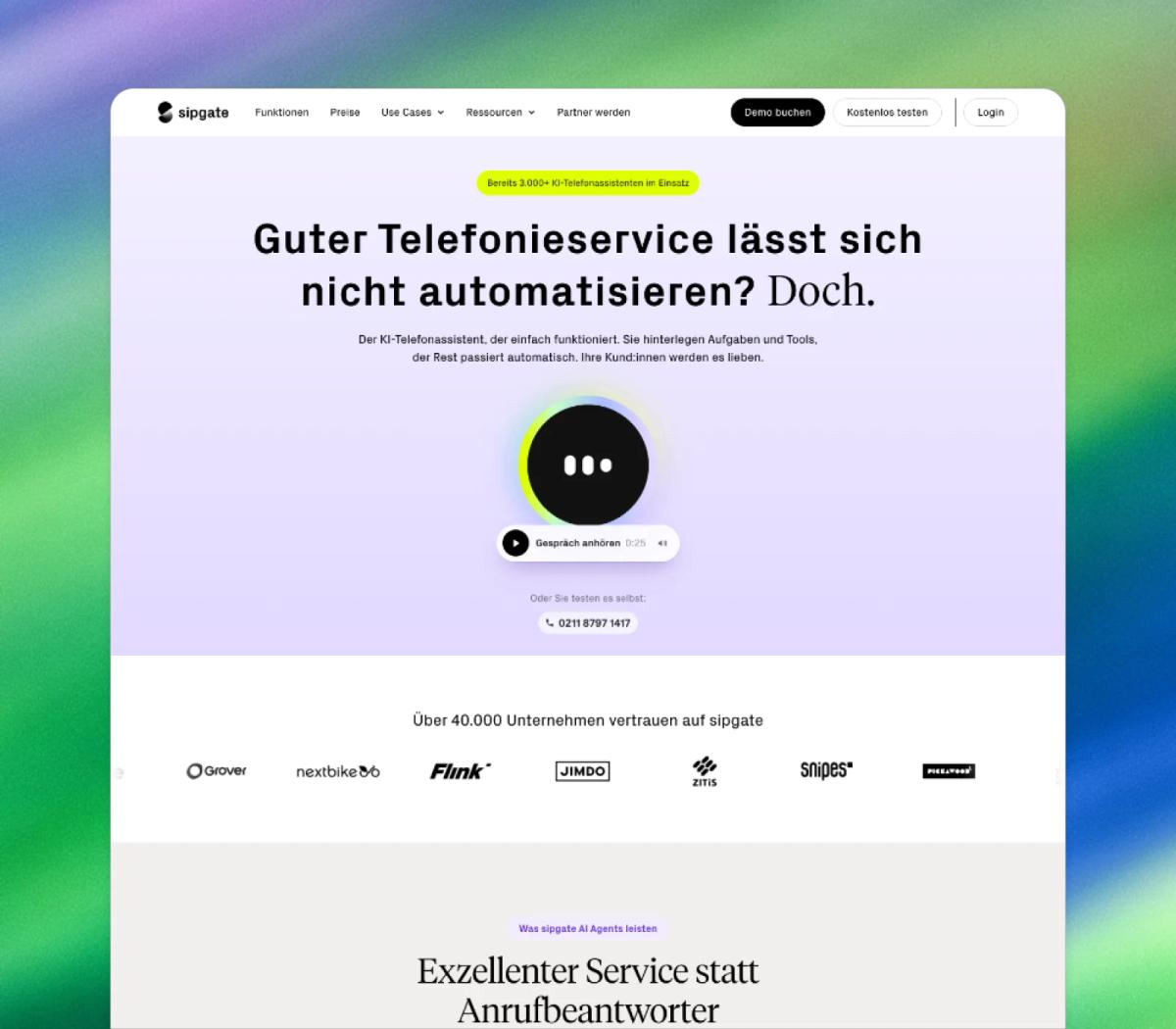
Positioning, messaging and page recommendations by path digital. Independent website implementation with Claude Code by sipgate, including an audio sample directly in the hero.

Website and visual design, and Webflow development for the ecommerce attribution and insights platform.
“… really happy with the result, the great modern design and the transparent, straightforward collaboration with Tarik and his team!”
 Valentine Strunz-HappeBusiness Operations & Brand @ Klar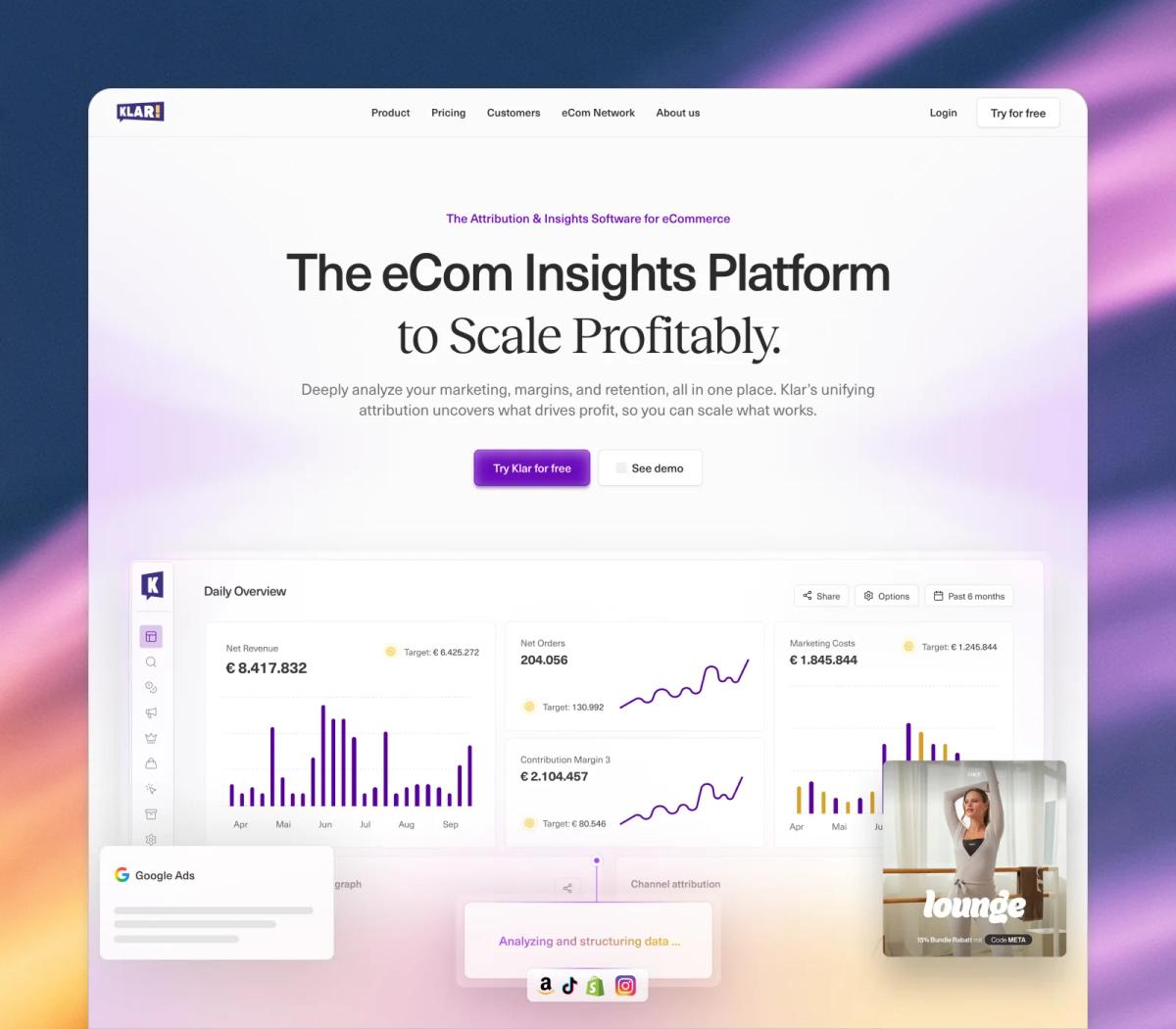
We start with a specific task and your existing website. From there, we build a setup that fits your team and the way you work.
01 · Review & prioritise
We review your website, components, CMS, tools and recurring tasks. Together, we choose the first workflow and define how you will measure the improvement.
02 · Set up & test
We document your brand knowledge, set up connections and approvals, and test the workflow on a page or campaign. We fill specific gaps in the foundations where needed.
03 · Hand over & improve
You run through the workflow with us and receive task briefs and rules for future work. If needed, we can arrange ongoing optimisation through our Growth Partnership.
Free AI playbook for SaaS marketing teams · In German
How to use AI to build new landing pages, publish content in multiple languages and launch campaigns faster. Follow one example all the way from copy through Figma to Webflow.
Download the free German-language playbook for a step-by-step guide to using these workflows in your marketing team.
What is possible, what your team needs and how we set up the collaboration.
Yes. We first review your components, classes, CMS and access permissions. Many workflows can be set up on the existing system. Where structure or rules are missing, we add them where needed. AI alone is no reason to relaunch your website.
We use Webflow’s own features where they fit. We add your brand and product knowledge, connections to Figma and data sources, repeatable task briefs and clear checks. Together, these form a workflow for your specific tasks.
For the agreed workflows, the focus is on briefs, feedback and previews. Experience with AI and good judgement about content and design matter. We practise the workflow with your team and handle complex technical additions when needed.
We agree on which actions are allowed. By default, new pages and major changes are reviewed and approved first. We can agree on different rules for clearly defined routine tasks.
We define audiences, hypotheses and measurement, then set up suitable variants with Webflow Optimize. Whether the results support a reliable conclusion also depends on traffic and data quality. Licences and add-ons are considered separately.
The scope depends on the state of your website, the connections you need and the workflows you choose. Our proposal specifies setup, testing and team handover, along with any tool costs. Ongoing development can be added through our Growth Partnership.
If you are planning a new website and want to work directly on your own website code with coding agents, our AI-native offering may be a good fit. If your Webflow website already works well, AI enablement builds on that foundation.
Show us your Webflow website and a specific task. Together, we will identify any missing foundations and the first workflow your team can use.